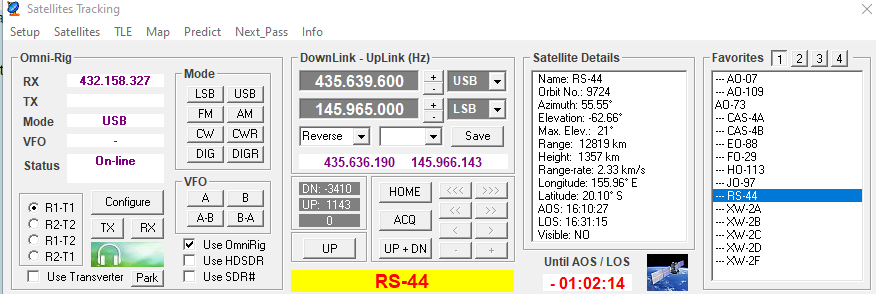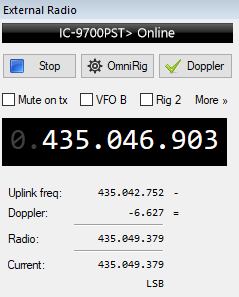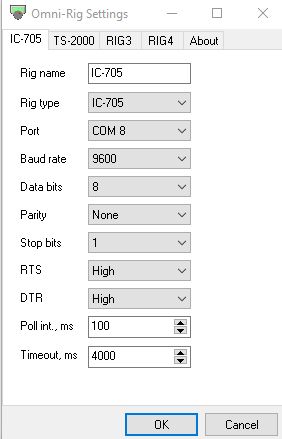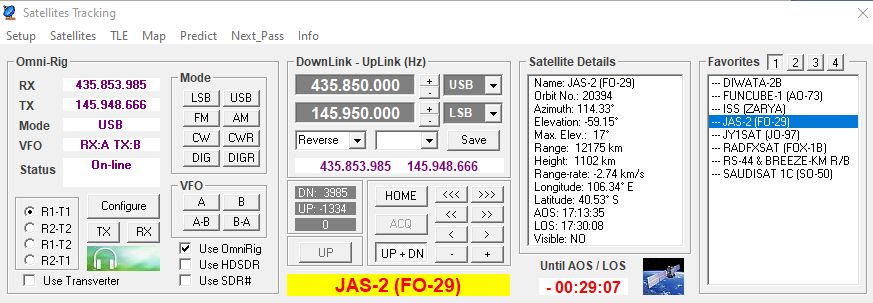
This is a short setup guide for using IC-9700 with PstRotator, Omnirig, Soundmodem and UISS. With this setup you can use AX.25 satellites like ISS and HADES-R.
I got many questions how to use all these software together with IC-9700 and I hope this guide can help. But… please read the PstRotator user guide for setting up Omnirig and IC-9700 and the UISS user guide. As you may notice I only explain the parts for setting up the connections so all the software can work together.
This setup guide is using USB connection between IC-9700 and PC. If you use LAN you need to change all settings for IC-9700 (DATA MOD, COM-ports, Virtual Audio channel).
The Omni-Rig version that is working OK for me is v1.18. I know there are other versions but I recommend v1.18 and the IC-9700PST config file that are delivered with PstRotator.
The Soundmodem settings explained here can of course be used for any other versions of the Soundmodem, not only for UISS.
Note again: this guide will not cover configuration of the UISS and PstRotator software, only the connections between these.
IC-9700 Setup
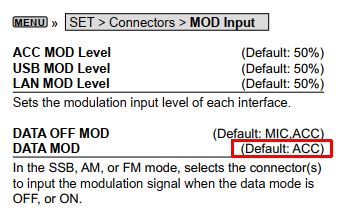
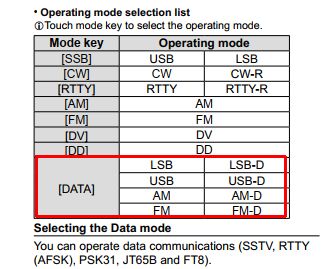
Set the DATA MOD to use USB:
Be sure to use DATA MOD as mode, for example FM-D, USB-D:
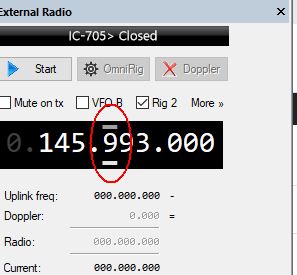
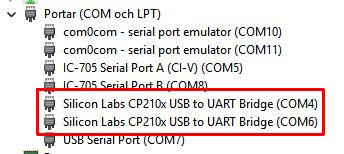
See what the number of the IC-9700 COM ports are, this is my setup, COM4 is the correct number for my connected IC-9700. But you can have a different number. One COM port is used by PstRotator for doppler adjustment, the other one is used for PTT keying (see below).
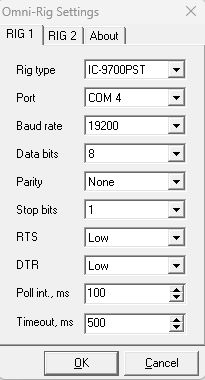
PstRotator – Omni-Rig Setup
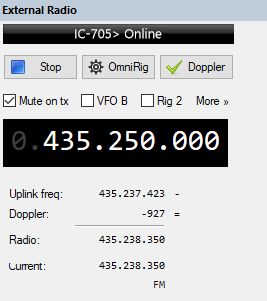
The Omni-Rig setup I’m using is like this. Note the COM 4 port:
PstRotator – Satellite Setup
There are several ways to edit satellite information in PstRotator. You can select “Satellites”, enter frequency info and the add to Favorites. Or you can edit Favorites text file manually. Please see the PstRotator manual for more information.
As an example, here are the config I’m using in Favorites text file (Satellites{x}.txt) for HADES-R (SO-124) satellite that is using FM-D (data mode):
[SONATE-2; AX.25]
DownLink=145825000
UpLink=145825000
RxMode=FMD
TxMode=FMD
Linkage=Not linked
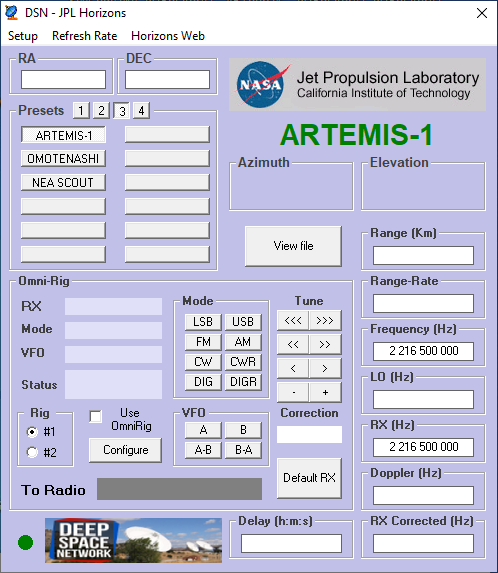
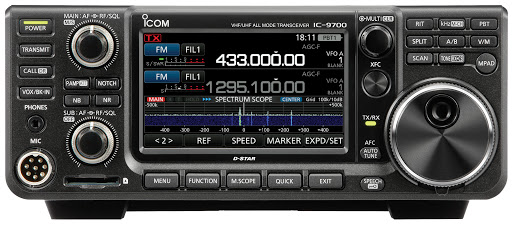
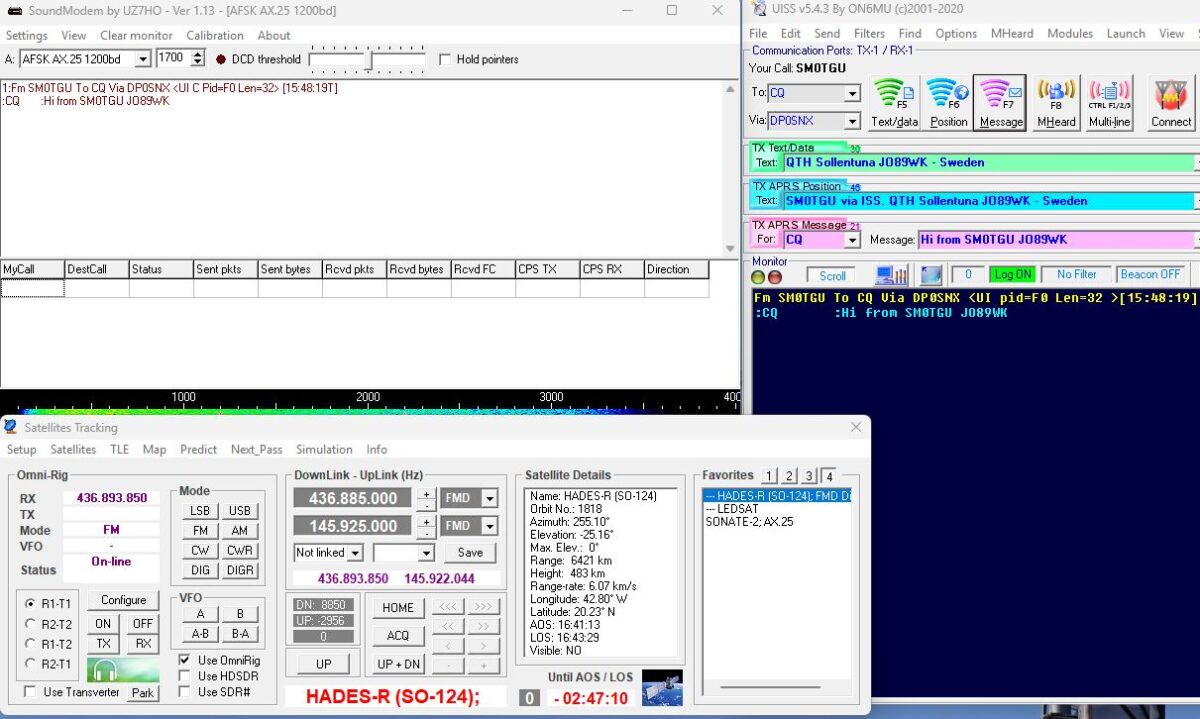
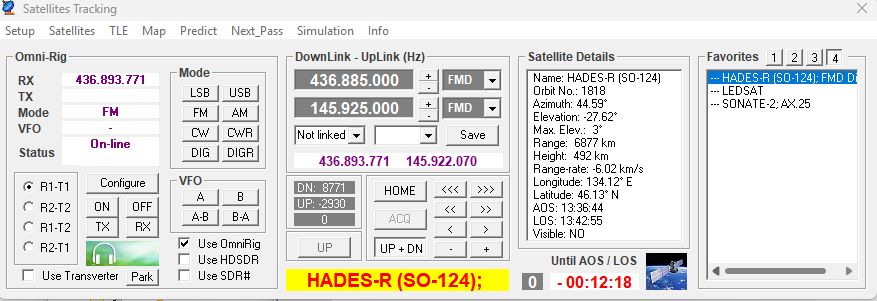
When all is configured correct you should now have doppler correction of the IC-9700, the frequency and DATA mode set automatic:
UISS and Soundmodem installation
Download and install UISS. During installation, install the Soundmodem software TNC. Note again: this guide will not cover configuration and functions of the UISS software.
Download the file ptt-dll.zip from Soundmodem webpage. Unzip and copy the files (CAT and PTT dll files) to your UISS installation folder. The PTT dll file is needed for the keying of IC-9700.
Soundmodem Setup
Start UISS and Soundmodem (can be auto started by UISS).
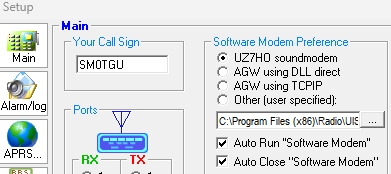
The setup for “Auto Run” in UISS should be like this (replace the folder path to your installation location of UISS/Soundmodem):
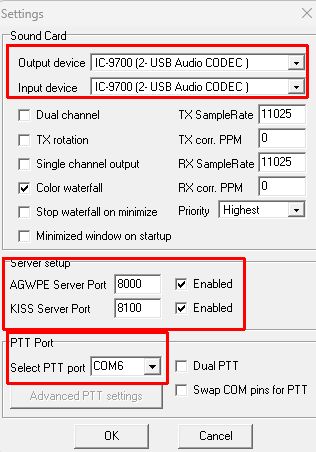
Now go to Settings in Soundmodem.
- Sound card: should be the USB audio soundcard (In and OUT) for your IC-9700, could be named as something else. It is possible to edit the soundcard names in Windows so I renamed mine to “IC-9700”.
- Server setup: this is the connection ports for UISS.
- PTT Port: This is the other COM-port for your IC-9700 (remember that we used COM 4 in Omnirig). Soundmodem is using the PTT-dll file that you downloaded before to be able to key the IC-9700.
Test UISS PTT keying – End-2-End test
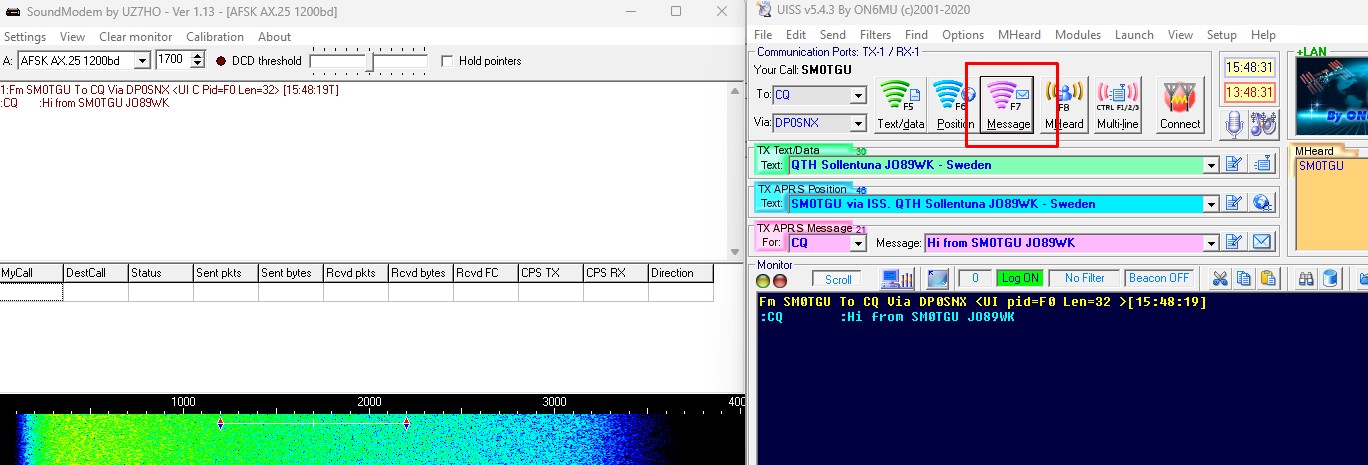
Now it is time to test PTT keying, what we call End-2-End test 🙂 In my example UISS is configured for HADES-R (SO-124) so the “Via” callsign is DP0SNX.
Press F7 (or click “Message”) and the IC-9700 should key and transmit the text in “TX APRS Message” box and at the same time as PstRotator is adjusting the IC-9700 frequency for doppler: