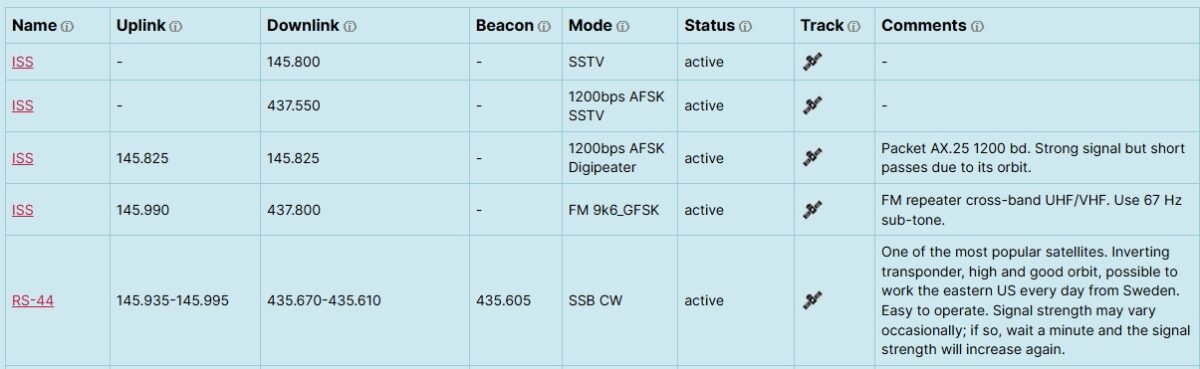
AMSAT-SM has developed a new Satellite Status page with integrated satellite tracking.
Here’s the full updated feature list for the satellite status list:
✅ Data fetched from the community driven SatNOGS database, all corrections of satellite data should be edited at SatNOGS.
✅ Most reported satellites from https://www.amsat.org/status/ is shown
✅ Fixed columns in custom order
✅ Active status shown by default
✅ Status dropdown filter
✅ Live search across all columns
✅ Pinned satellites at top by name
✅ Blacklist by satellite name
✅ Alphabetical sorting for unpinned satellites
✅ Track button opens live satellite tracker in modal
✅ Modal closes with X button or clicking outside
✅ Track link with icon to N2YO
✅ Name links to SatNOGS database
✅ Comments column with notes added by AMSAT-SM
✅ Show more / show all with row count
✅ Column width control
✅ Text wrapping
✅ Tooltip hover text on column headers
✅ Local DB override for status, comments and name link
✅ Checkbox to remove non-amateur downlink satellites, checked by default
✅ Single-column responsive mode for mobile phones
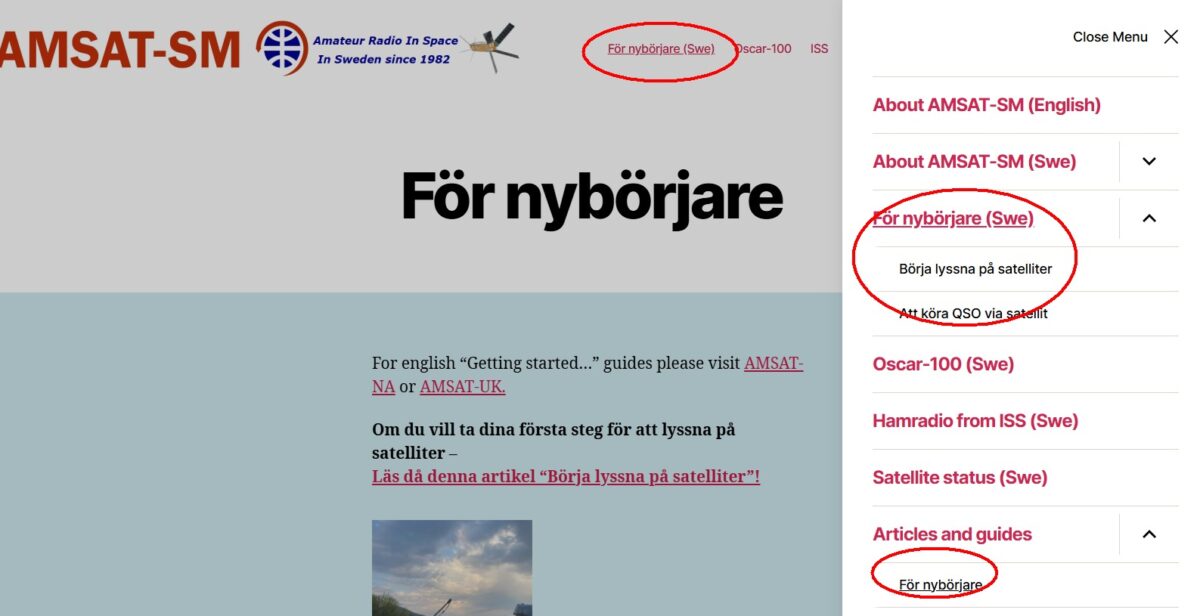
And to make it simple for beginners to track satellites it is possible just to click “Track”. Note! This is no full featured tracking software, just a simple way to see the satellite and get the next pass.
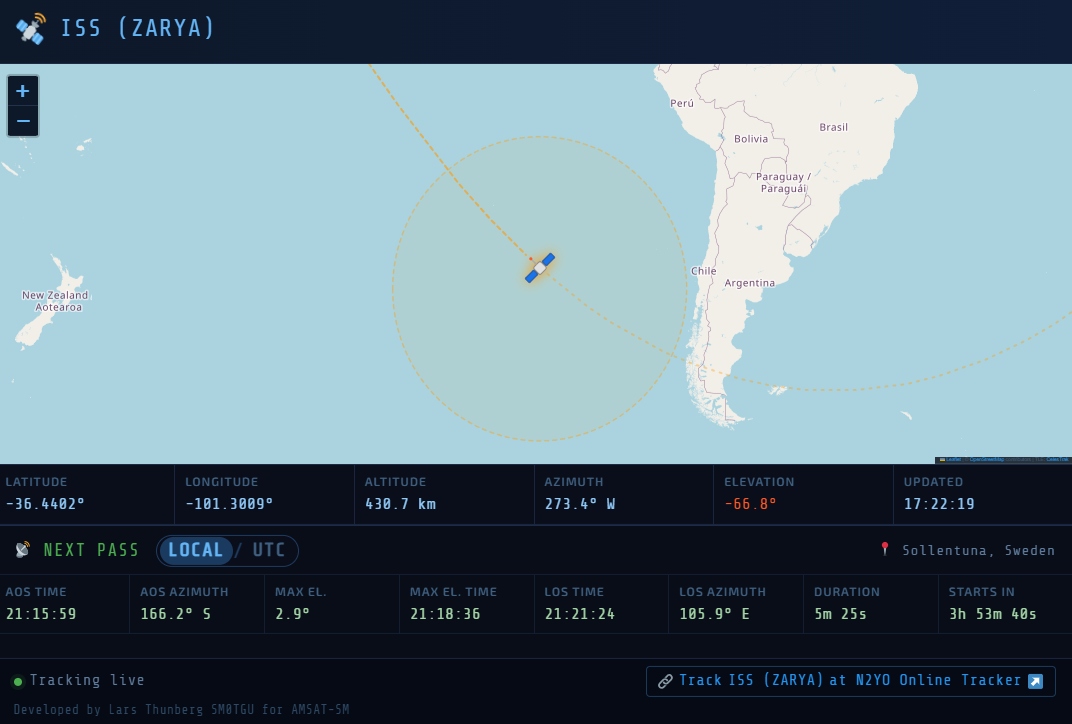
Here’s the full updated feature list for the tracker:
Data & Tracking
- Fetches live TLE/Kepler orbital elements from CelesTrak (NORAD catalog)
- SGP4/SDP4 orbital propagation via satellite.js (~60fps update rate)
- TLE data cached server-side for 1 hour to avoid API hammering
- Auto-refreshes TLE every hour (if tracker is open)
Map
- OpenStreetMap via Leaflet
- Animated satellite icon with solar panels
- Icon colour changes by altitude (LEO orange → MEO blue → HEO purple)
- Ground track: dashed past track + dotted future track (±90 min, configurable)
- Ground track splits correctly at the anti-meridian
- Footprint circle showing satellite visibility area, scales with altitude
- Click satellite icon to toggle footprint on/off
- Hover over satellite icon shows satellite name as tooltip
Live Telemetry Panel
- Real-time Latitude, Longitude, Altitude
- Real-time Azimuth from observer location (degrees + compass direction)
- Real-time Elevation from observer (green = above horizon, red = below)
- Live “Updated” timestamp
Next Pass Prediction
- Auto-detects observer location via IP geolocation (ipapi.co with ip-api.com fallback)
- Shows AOS time and azimuth
- Shows LOS time and azimuth
- Shows maximum elevation and time of max elevation
- Shows pass duration
- Live countdown to next pass (“Starts In”), turns bold green “Visible” during a pass
- Searches up to 7 days ahead, recalculates every 5 minutes
- Shows observer city/country above the pass panel
UI & Display
- Dark space-themed UI with monospace fonts
- UTC / Local time toggle next to “Next Pass” title, affecting all timestamps
- Link to N2YO Online Tracker opening in new tab, labelled with the satellite name
- Responsive layout — collapses gracefully on narrow screens