Här skriver vi artiklar runt SDR och övrig mjukvara som har något gemensamt med satelliter.
Posts and guides about SDR and satellite software related topics.
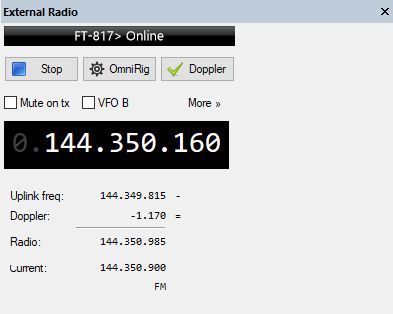
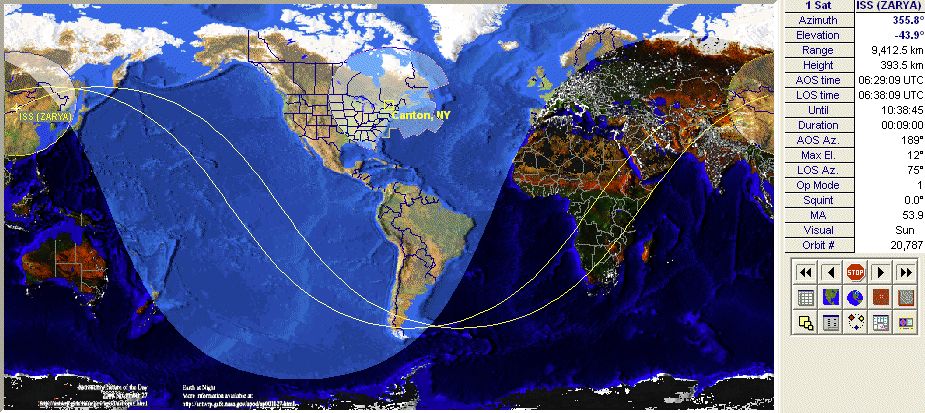
Simon Brown (G4ELI) excellent SDR software SDR-Console v3 has a very good satellite tracking integration. In version 3 it is also possible to control an external radio via CAT. This is explained in detail here.
This means that it is possible to control the transmitting radio for doppler at the same time the SDR unit (receiver) is following the downlink also with doppler. Very nice!
I have made some tests with my Yeasu FT-817ND and most of the times it works very good. Sometimes the connection between SDR-Console and the radio is lost, but this is fixed by restarting the “External radio” in SDR Console. Below is a short video of my test.
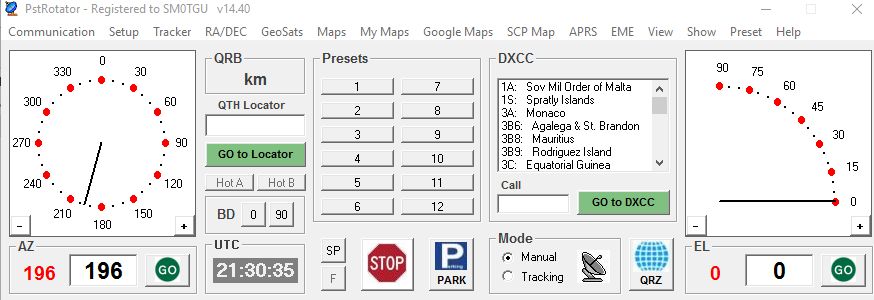
After using the old Wisp DDE Client I now have upgraded to PstRotator as the bridge from SDR-Console to my AlfaSpid SPX-01 rotor. PstRotator is very powerful with lots of functions, has low CPU usage and a very good support from its creator.
I can highly recommend this software if you would like to have full control over your antenna rotor.
For english summary see below!
Bloggen rtl-sdr.com har nyligen lanserat sin tredje version av sin egna SDR-mottagare. För ca. 20 US$ får man en rejält förbättrad R820T2 mottagare jämfört med de billigaste modellerna på eBay. RTL-SDR-mottagaren är monterad i ett bra chassi, har en lång SMA-kontakt, flera förbättrade kretslösningar och en 4.5V bias-tee.
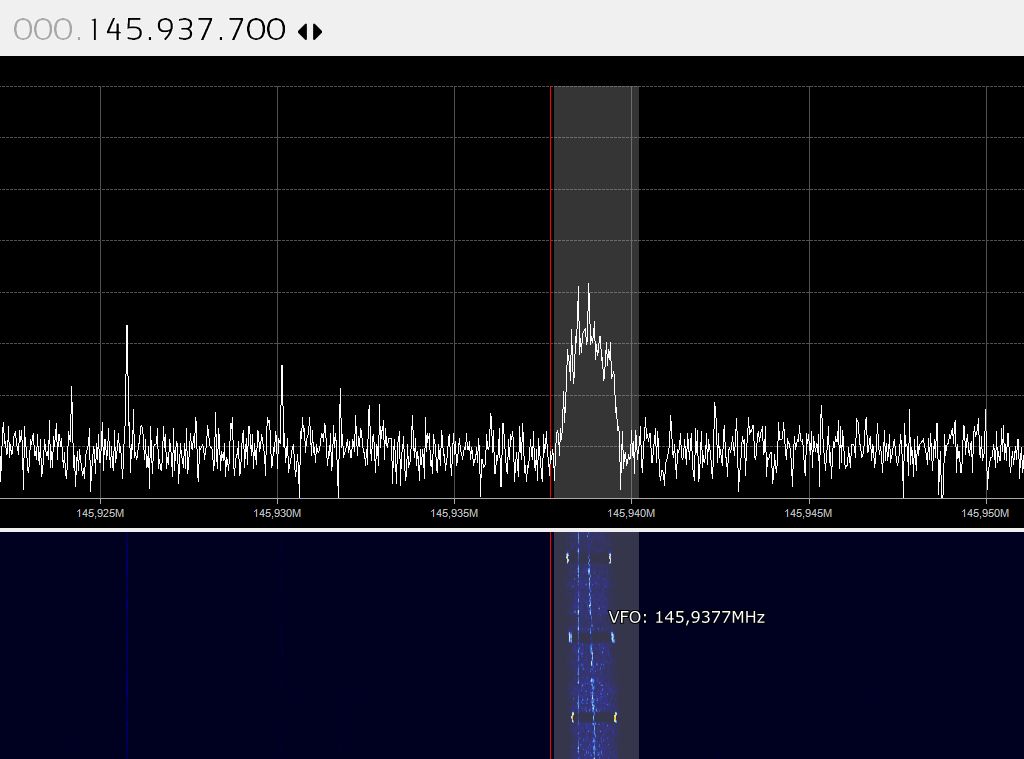
Vi i AMSAT-SM har köpt in en mottagare och provat att använda den för att lyssna på amatörradio-satelliter. Här är några resultat:
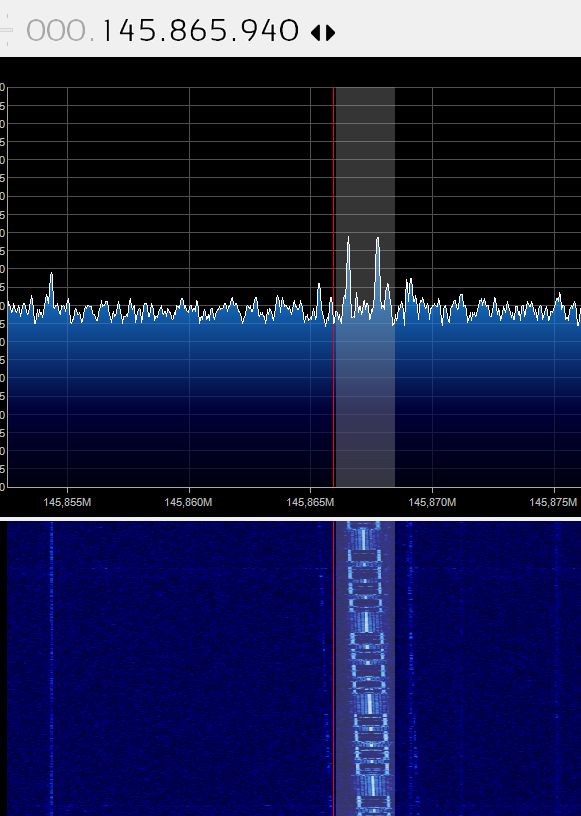
FUNCube-1 telemetri utan problem på 145 MHz.
DO-64 på 145 MHz.
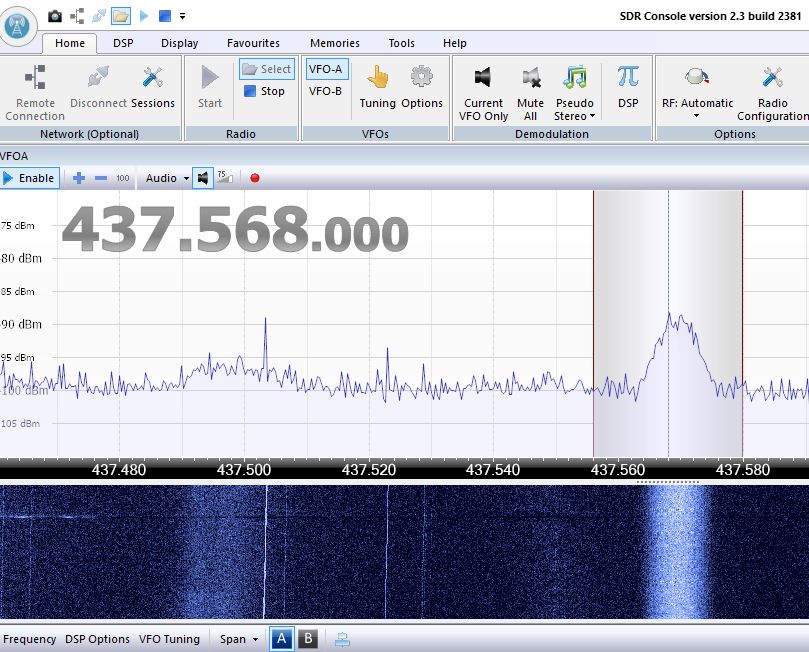
Strand-1 på 437 MHz.
Sammanfattning: Denna SDR-mottagare är en mycket bra nybörjar-SDR för att lyssna på satelliter. För under 200 kr får du en bättre byggd enhet än de billigaste som finns på eBay.
AMSAT-SM lottar ut en SDR-RTL v3 mottagare! Läs mer här!
English summary:
AMSAT-SM has tested the new SDR-RTL blog SDR unit. We have recieved ham radio satellites on 145 MHZ and 437 MHz as you can see on the pictures above. This is a very good beginner SDR unit at a low price but still with good quality. Recommended!
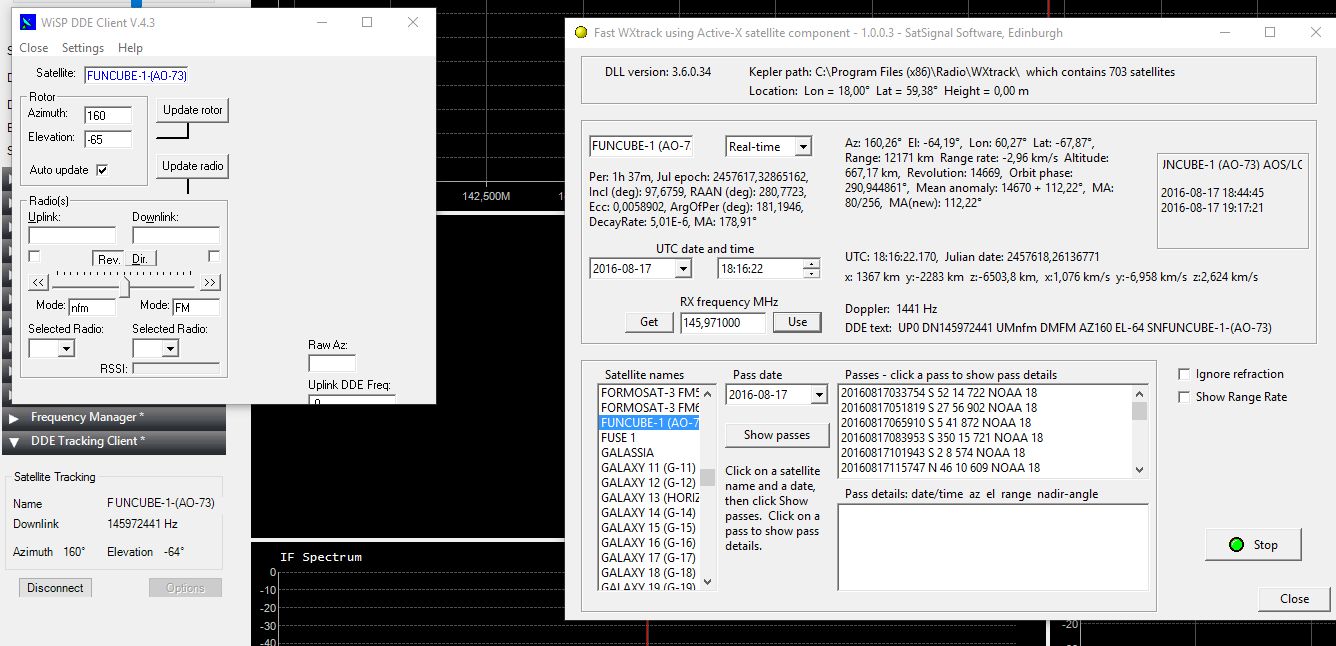
Jag har testat en beta-version av programmet Fast WXTrack som är en enkel satellitspårare med möjlighet att kontrollera frekvensen i SDR# samtidigt som en rotor kan kontrolleras via tex. WiSP DDE Client.
Programmet fungerar mycket bra och är en smidig lösning om man använder SDR#. Finns att ladda ner och prova via denna länk.
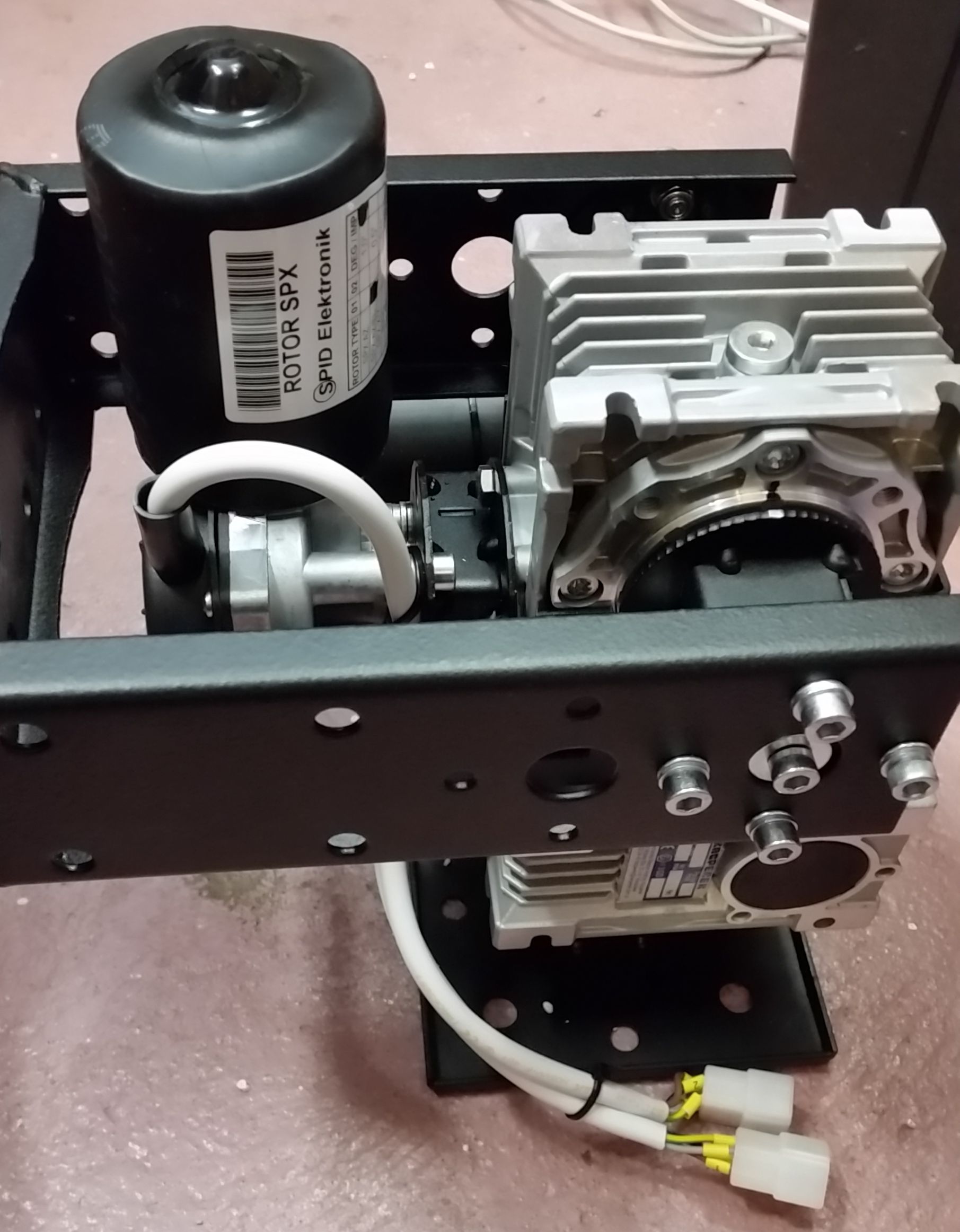
SPX Model 01 and 02 Azimuth and Elevation Rotor is a low weight, low cost rotor from SPID Elektronik and work very well out-of-the-box with USB control box Rot2Prog from tracking software like WXtrack (tested by me).
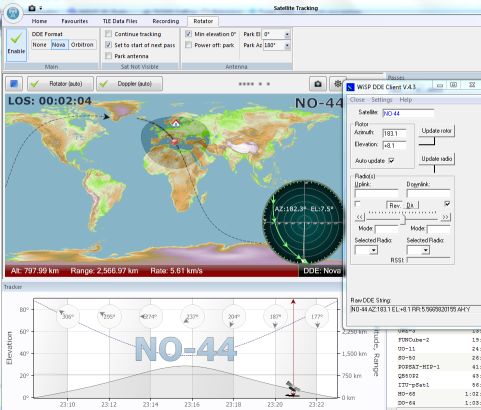
When controlling this rotor from the popular SDR Console software you have to use a DDE client. These are the steps to setup up successful rotor control:
Installation of USB drivers for Rot2Prog
If you have problems with automatic installation of Windows virtual COM/USB-drivers for the Rot2Prog controller, download drivers from http://www.ftdichip.com/Drivers/VCP.htm
Setup the correct baudrate
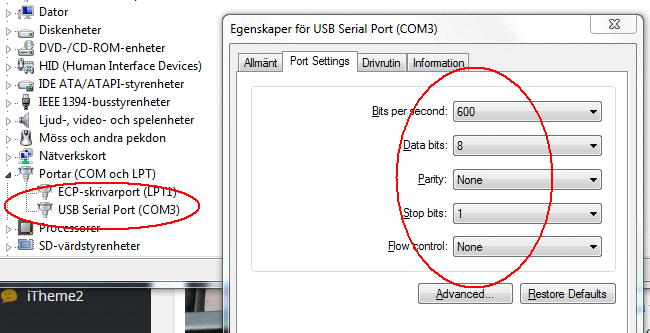
When the drivers are installed, you have to setup the correct baudrate. Go to the PC system configurations, look for the new COM-port installed. Set to 600 baud, 8 data bits, no parity, 1 stop bit.
Setup the Rot2Prog for GS232
Setup the Rot2Prog for automatic control with interface GS232. See the Rot2Prog manual page 10 to 11.
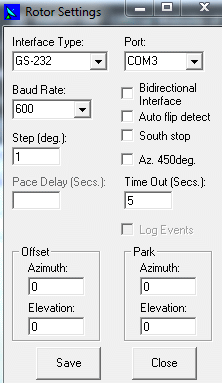
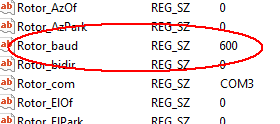
Note! You cannot change the Baud Rate in the DDE Client to 600 baud, you have to edit this in Windows Register editor, key HKEY_CURRENT_USER\Software\VB and VBA Program Settings\WiSP_DDE_Client\Config\Rotor_baud
Now try to manually control the rotor from Wisp DDE client.
Setup SDR Console satellite tracking
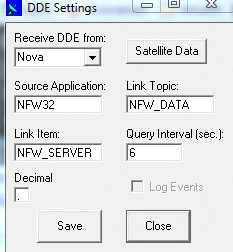
In SDR Console satellite tracking, set to DDE Format to Nova. Thats all!
Start tracking
Select a satellite to track in SDR Console. The DDE server in SDR Console now starts talking to the Wisp DDE Client and should control the SPX rotor. Look at the raw DDE String: